We’ve all done it: We open TikTok, Instagram, Reddit, or X for “just a few minutes,” only to look up an hour later, wondering where our time went. It’s even worse when all we’ve done is consume negative, upsetting content.
This is the habit known as doomscrolling, and it rarely leaves you feeling better. Instead, it often increases anxiety, wastes time, and leaves your brain feeling overloaded. The good news? To stop doomscrolling, you don’t have to quit your phone altogether. The best solution is to replace it with apps that satisfy the same need for stimulation, entertainment, learning, or relaxation in healthier ways. Let’s look at the 10 best apps to replace doomscrolling so you don’t have to fall into the endless-scroll trap.
Table of Contents
Apps to Replace Doomscrolling: Key Takeaways
| App | Type of Doomscrolling It Replaces |
| Negative content | |
| Letterboxd | Rage-Reading comment sections |
| Headspace | Anxiety-Driven news cycling |
| Shortform | Clickbait article rabbit holes |
| Matter | Scattered tab-opening and half-reading |
| Duolingo | Picking up your phone out of boredom |
| NYT Games | Compulsive “one more video” loops |
| Forest | Automatic phone-reaching as a nervous habit |
| ScreenZen | Mindless app-hopping between social platforms |
| AllTrails | Sedentary screen time |
1. Pinterest
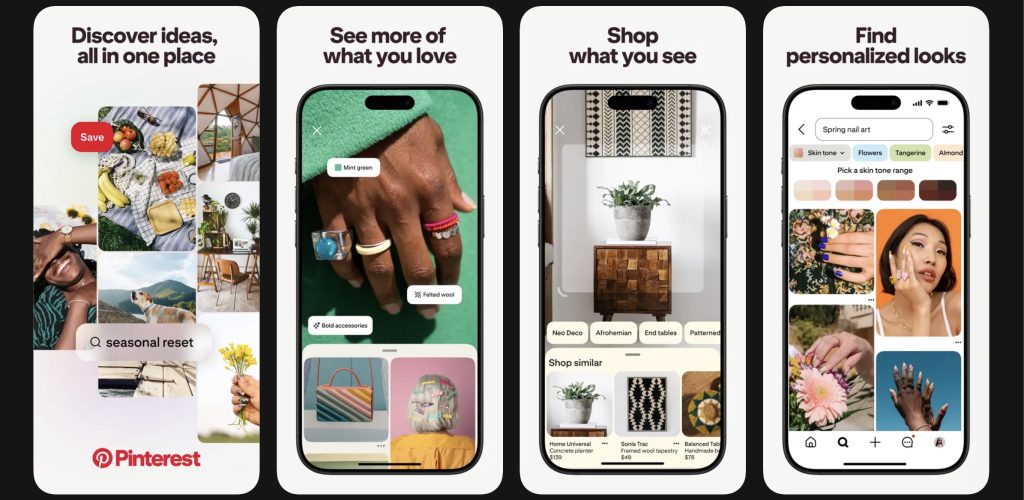
How it replaces doomscrolling: Replaces negative content with intentional inspiration
Best feature: Personalized boards that help you organize ideas around hobbies, goals, and interests
I get it: Quitting doomscrolling is hard. Letting go cold turkey can only make you crave it more. That’s why you want to make it a gradual process. Pinterest is a great app to replace doomscrolling because it feels like social media without many of the negative side effects that make doomscrolling exhausting. Instead of being flooded with outrage-driven content or algorithmic debates, Pinterest focuses on inspiration. Users can browse ideas related to fashion, recipes, fitness, home decor, travel, productivity, and countless other interests while curating boards that reflect their goals and hobbies.
Yes, you’re still scrolling—and, once inspiration clicks, you might spend a good while on the app. But rather than looking at posts that are dangerous to your mental health, Pinterest’s feed encourages creativity and organization that often leads to real-world action. I can’t count how many times I’ve left the app with outfit ideas or recipes instead of feeling mentally drained after an hour of random scrolling.
Available on: iOS • Android • Desktop
2. Letterboxd
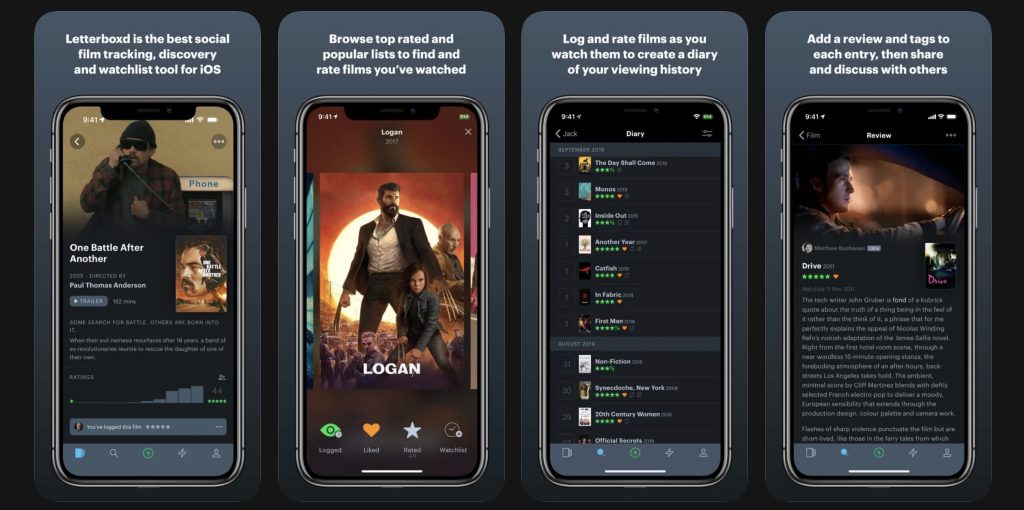
How it replaces doomscrolling: Replaces celebrity gossip and entertainment feeds with intentional movie discovery
Best features: Movie tracking, reviews, watchlists, and community recommendations
Letterboxd turns movie watching into a hobby rather than passive content consumption. Users can rate films, build watchlists, log what they’ve seen, and follow friends or critics with similar tastes. The app has a social-media-like feel, but the focus is on discovering meaningful entertainment instead of endlessly refreshing a feed.
As a cinephile myself, Letterboxd has been a game-changer. Instead of consuming hateful comments about films on X, I can go to Letterboxd to find legitimate critical reviews or funny one-liners. It’s best for movie lovers, pop culture fans, and people who enjoy the social side of the film world without the overwhelming negativity on social platforms.
Available on: iOS • Android • Desktop
3. Headspace
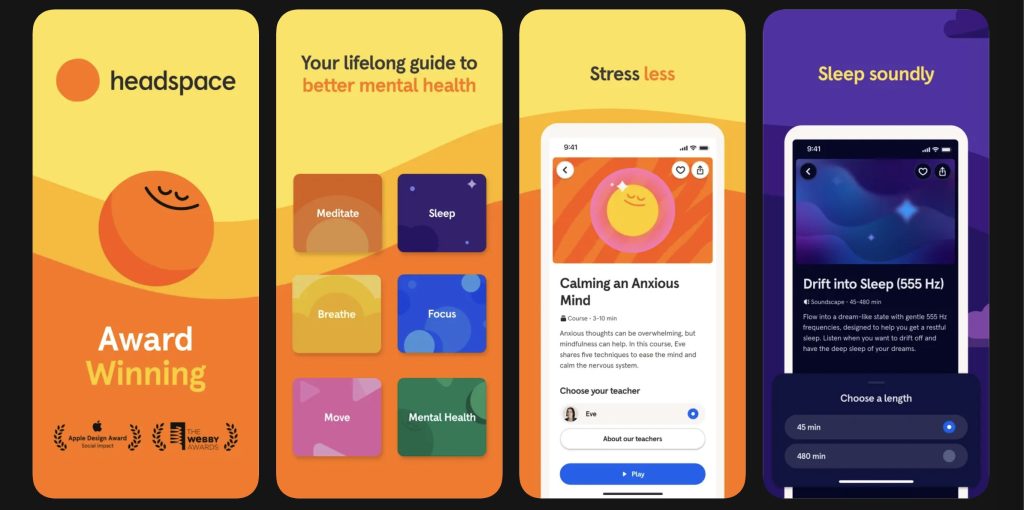
How it replaces doomscrolling: Replaces anxiety-driven scrolling with guided mindfulness and relaxation
Best features: Guided meditations, sleepcasts, and stress-reduction exercises
Headspace addresses one of the biggest reasons people doomscroll in the first place: stress. Many people reach for social media when they feel overwhelmed or anxious, only to end up taking in even more stressful content. Headspace interrupts that cycle by giving users calming exercises, breathing sessions, and guided meditations that actually help regulate stress levels.
The app is especially effective because it provides low-effort, short-form sessions that fit naturally into moments when you’d normally grab your phone and scroll. Instead of opening social media before bed or during a stressful work break, users can spend a few minutes decompressing in a way that genuinely improves their mood. Headspace is best for people who doomscroll out of anxiety, stress, or mental exhaustion.
Available on: iOS • Android • Desktop
4. Shortform
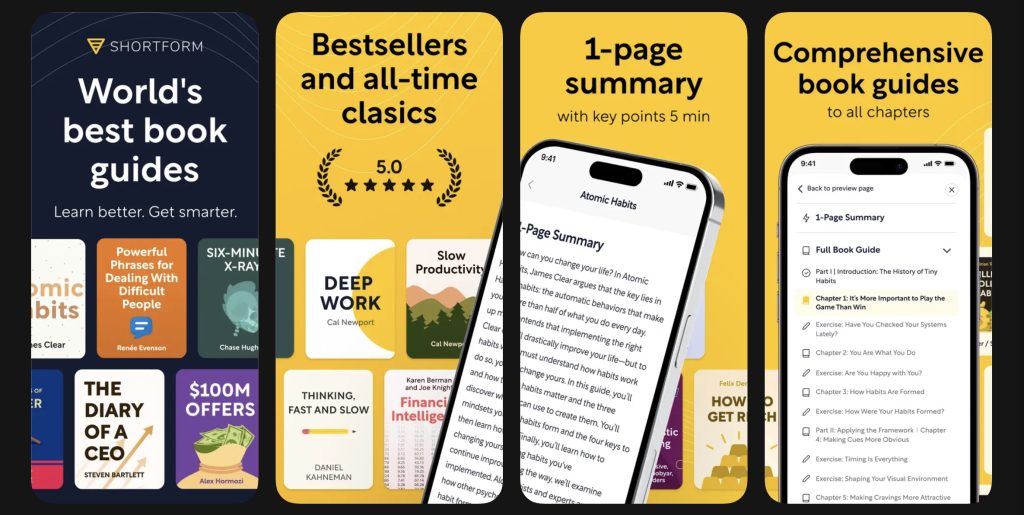
How it replaces doomscrolling: Replaces passive scrolling with fast-paced learning and self-improvement
Best feature: Comprehensive guides to nonfiction books and podcast episodes (as well as articles) with actionable insights and exercises
Have you ever been like me and scrolled for hours trying to find tips to improve your life and be more productive, only to end up feeling worse about yourself because of unrealistic influencers? Shortform is one of the best doomscrolling replacements for people who want to feel productive without committing to full-length books. The app provides in-depth guides for thousands of nonfiction books and podcast episodes covering productivity, psychology, business, health, personal development, and much more.
What makes Shortform especially effective is that it scratches the same itch as social media: quick bursts of interesting information. The difference is that users walk away having learned something valuable from book guides such as Atomic Habits, 12 Rules for Life, and Deep Work, instead of losing an hour to random content. It’s ideal for curious readers, self-improvement enthusiasts, and people who enjoy consuming bite-sized content but want something more meaningful than losing their time to infinite feeds.
Available on: iOS • Android • Desktop
👉 Want to try Shortform? Sign up for a five-day free trial.
5. Matter
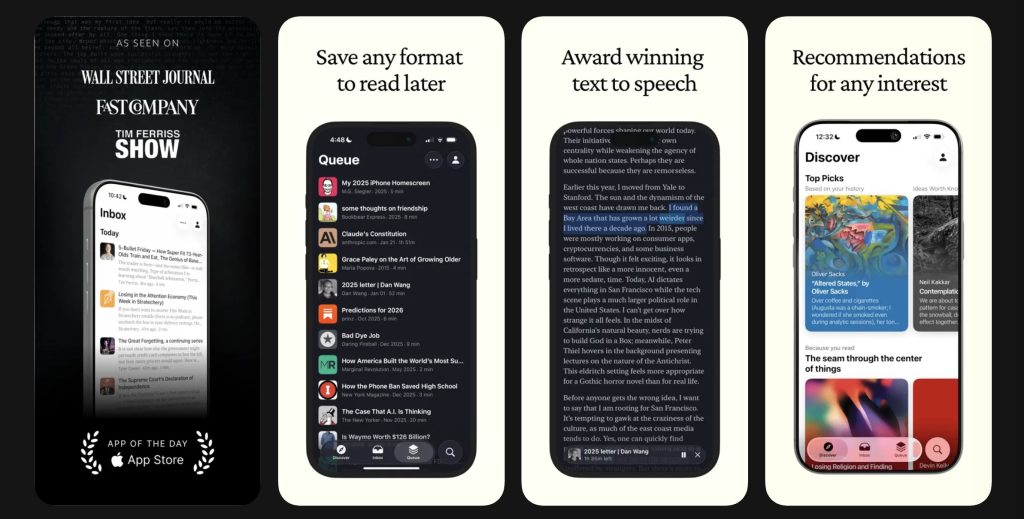
How it replaces doomscrolling: Replaces algorithm-driven feeds with intentional reading
Best features: Save-to-read functionality and clean, distraction-free reading modes
Matter helps users take control of what they consume online. Instead of relying on social media algorithms to surface content, Matter lets users save articles, newsletters, and web pages they actually want to read. The app then presents them in a clean, easy-to-read format without the distractions that often pull people back into doomscrolling.
Matter works particularly well for people who genuinely enjoy reading online but get sidetracked by social feeds and clickbait headlines. It transforms content consumption from reactive to intentional. Rather than bouncing between dozens of tabs and notifications, users can focus on high-quality articles that align with their interests and goals.
Available on: iOS • Desktop
6. Duolingo
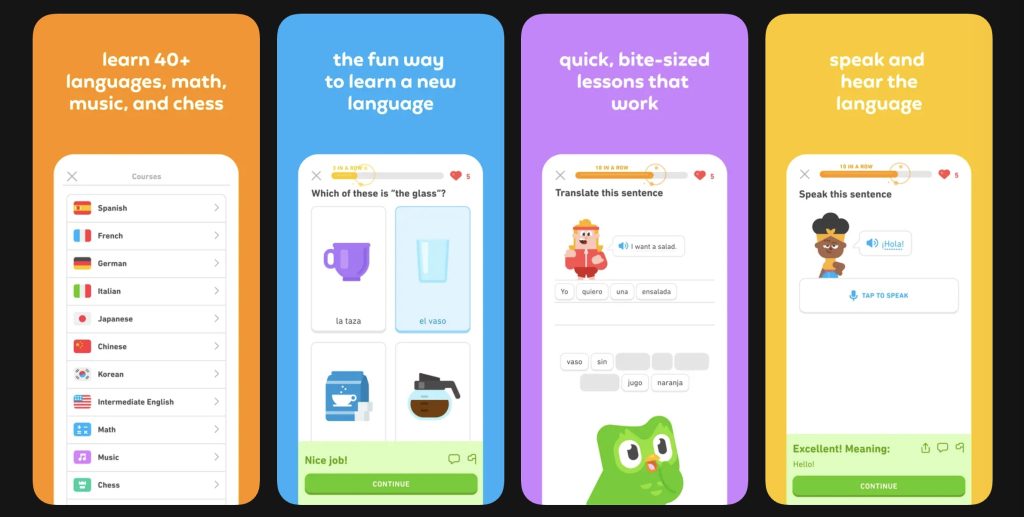
How it replaces doomscrolling: Replaces addictive scrolling loops with addictive learning loops
Best features: Gamified lessons, streaks, and bite-sized daily practice sessions
Duolingo succeeds because it taps into many of the same psychological mechanisms that make social media hard to quit. Daily streaks, rewards, progress tracking, and short lessons create a dopamine-driven experience that feels engaging without being destructive.
Unlike doomscrolling, though, Duolingo leaves users with measurable progress. Even five or ten minutes a day can help someone build vocabulary and conversational skills in a new language. The app is perfect for people who enjoy quick-hit engagement and want a healthier (and more meaningful) replacement for compulsively checking social media throughout the day.
Available on: iOS • Android • Desktop
7. NYT Games
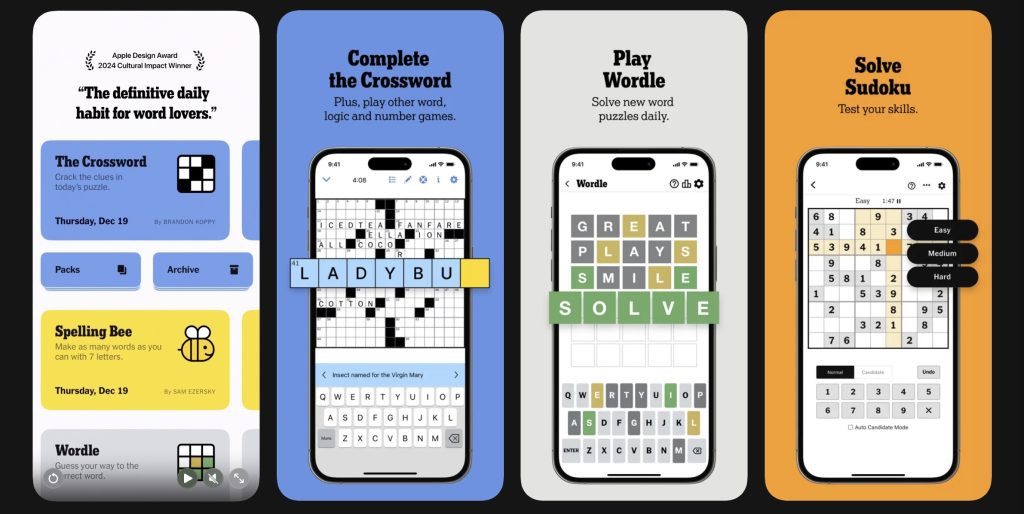
How it replaces doomscrolling: Replaces idle scrolling with short, mentally engaging games
Best features: Wordle, Connections, Mini Crossword, Pips, and other daily puzzle challenges
I confess: I’m a sucker for a brain game. That’s why NYT Games has been a constant go-to app for me when I feel the urge to open TikTok, Instagram, or Reddit. The New York Times offers the same kind of quick entertainment people look for in social media—but in a way that’s mentally stimulating. Games such as Wordle and Connections are designed for short play sessions, making them perfect for filling downtime without disappearing into an endless feed. It’s especially beneficial to NYT subscribers who’ve spent a lot of time reading depressing news about the world and need a break.
The app works well because it still delivers novelty and dopamine—but with a defined stopping point when you complete a game. If I have time in the day, I like to complete five of the many games NYT offers: Wordle, the Mini Crossword, Connections, Strands, and Pips. My favorite is Pips, where you have to arrange a set of dominoes to fill a game board. It’s helped me improve my math skills and logical thinking in a fun and challenging way.
Available on: iOS • Android • Desktop
8. Forest
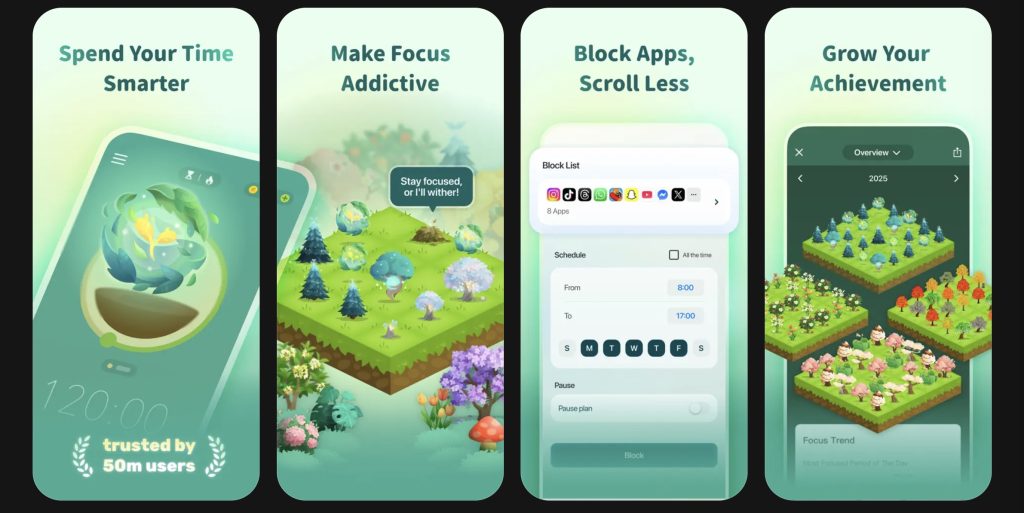
How it replaces doomscrolling: Replaces distracted scrolling with focused work sessions
Best feature: Gamified focus timer that grows virtual trees while you stay off your phone
Forest is designed specifically to keep users away from distracting apps. When you start a focus session, the app plants a virtual tree that continues growing as long as you stay off your phone. If you leave the app to scroll social media, the tree dies.
That simple mechanic makes Forest surprisingly effective at breaking doomscrolling habits. The app transforms avoiding distractions into a game, giving users positive reinforcement for staying focused. It’s especially useful for students, remote workers, and anyone who struggles with checking social media during work or study sessions.
Available on: iOS • Android • Chrome • Firefox
9. ScreenZen
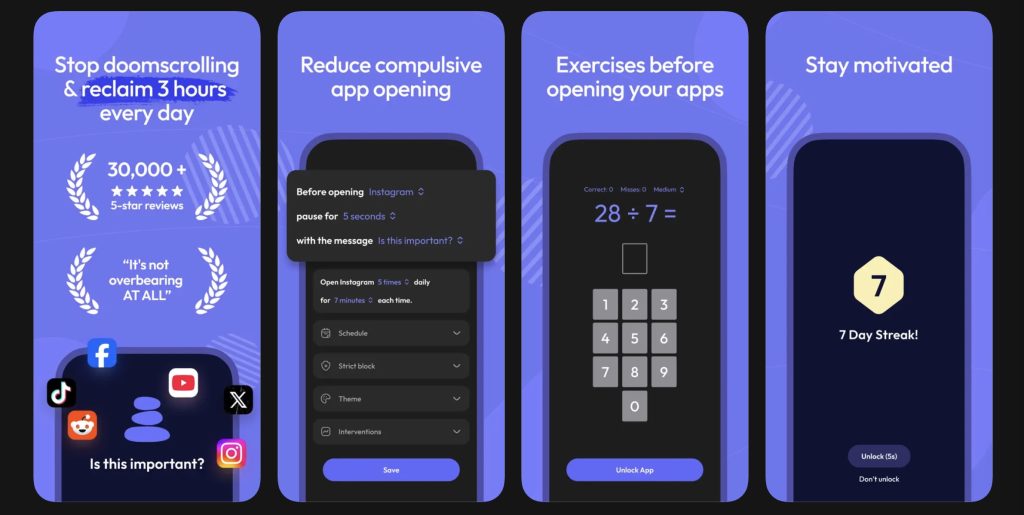
How it replaces doomscrolling: Replaces impulsive app opening with intentional phone use
Best features: App-opening delays, usage reminders, and customizable screen-time limits
ScreenZen takes a more direct approach to doomscrolling by making certain apps harder to access. Users can set delays before apps open, create reminders asking whether they really want to continue, and establish daily limits that reduce compulsive checking habits.
The app works because it interrupts the automatic behavior loop behind doomscrolling. I started using ScreenZen a few months ago when I got tired of opening social media reflexively without thinking about it. Now, whenever I try to open certain apps, ScreenZen asks if it’s the right time for this. If I still choose to move forward, it has me do a breathing exercise before it unlocks the app, which helps me step back and rethink my decision. It’s ideal for people who feel genuinely addicted to scrolling and want practical tools to regain control of their screen time.
Available on: iOS • Android • Desktop
10. AllTrails
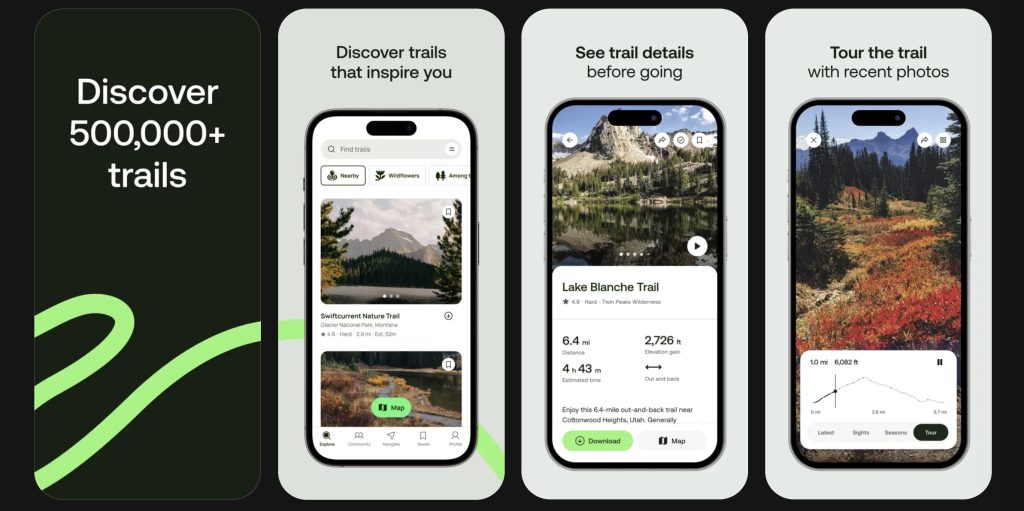
How it replaces doomscrolling: Replaces boredom scrolling with outdoor exploration
Best features: Trail discovery, navigation tools, and user-generated hiking reviews
AllTrails encourages users to step away from their screens entirely. The app helps people discover hiking trails, walking routes, and outdoor adventures nearby—complete with maps, reviews, and difficulty ratings.
What makes AllTrails such a powerful antidote to doomscrolling is that it promotes real-world engagement instead of digital stimulation. Take it from me: Short walks outdoors have significantly improved my mood and reduced stress far more effectively than spending another hour scrolling through social feeds and news articles. It has helped me move more and enjoy healthier weekend activities—and it has simply given me an excuse to spend less time online.
Available on: iOS • Android • Desktop
Further Tips to Stop Doomscrolling
A mistake some people make when trying to stop doomscrolling is relying entirely on willpower. Social media apps are intentionally designed to be addictive, so simply telling yourself to “use your phone less” often doesn’t work. Instead, the goal should be replacing unhealthy habits with better alternatives.
One of the most effective strategies is making replacement apps easier to access than social media. Put apps such as Shortform, Duolingo, or NYT Games on your home screen while moving dangerous apps such as TikTok, Instagram, or X into folders. You can also use tools such as Forest or ScreenZen to create friction around opening distracting apps.
It also helps to identify why you doomscroll in the first place. Some people scroll because they’re bored, others because they’re anxious, procrastinating, or looking for stimulation. Once you understand the underlying reason, it becomes much easier to choose a healthier replacement that satisfies the same need.
Wrapping Up
The right apps can turn the same moments that once led to mindless scrolling into opportunities to learn something new, relax, focus, or reconnect with hobbies you actually enjoy. The key is starting small. Replacing even 15 or 20 minutes of daily doomscrolling with healthier alternatives can make a noticeable difference in your mood, focus, and energy over time.
Social media will always compete for your attention—but, with the right replacements set up, it becomes much easier to spend your screen time in ways that leave you feeling better instead of burned out.
FAQ
What’s doomscrolling?
Doomscrolling refers to endlessly consuming negative, emotionally charged, or addictive online content, usually through social media feeds or news apps.
Why is doomscrolling so addictive?
Social media apps use infinite scrolling, personalized algorithms, and variable rewards to keep users engaged. The constant novelty creates dopamine-driven habit loops that are difficult to break.
Is doomscrolling bad for mental health?
Research shows excessive doomscrolling can increase anxiety, stress, and feelings of overwhelm, especially when consuming negative news or emotionally charged content for long periods.
What app is best for stopping doomscrolling?
The best app depends on why you doomscroll. Forest and ScreenZen are great for reducing phone use directly, while apps such as Shortform, Duolingo, and NYT Games provide healthier alternatives to scrolling.
How do I stop scrolling on my phone so much?
The most effective approach is replacing social media with healthier apps, using screen-time tools, creating app limits, and making distracting apps harder to access.
