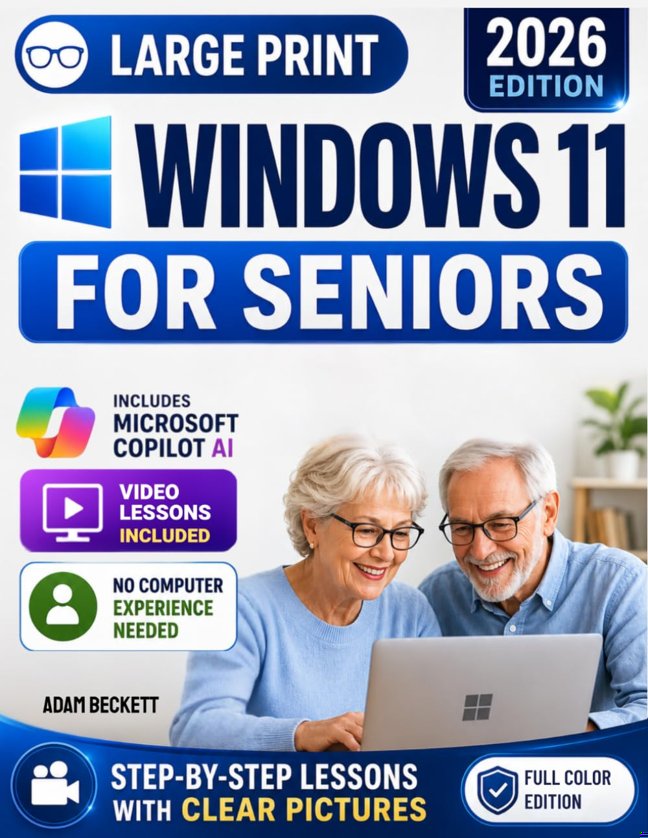
Have you reached the point where using your computer feels more frustrating than helpful?Maybe you only wanted to check your email, print a document, or look at family photos, and suddenly found yourself wondering what to click next.If Windows 11 feels unfamiliar or intimidating, you're certainly not alone.I wrote this Windows 11 guide for seniors because I've seen how many older beginners struggle with technology, not because they're incapable, but because most computer manuals skip the steps beginners actually need.Too often they're filled with technical jargon, tiny screenshots, or explanations that assume you already know your way around a PC.My goal was simple.I wanted to create a step-by-step Windows 11 guide that explains everything in plain English, shows exactly what you'll see on your screen, and helps you build confidence one click at a time.I also wanted to make sure you could take advantage of today's newest Windows 11 features, including Windows Copilot AI, without feeling overwhelmed or needing any technical experience.What makes this Windows 11 manual different is its simplicity.I don't assume you have computer experience.I don't skip important steps.I explain every click with clear illustrations, so you can follow along at your own pace.And because some things are easier to learn by watching, I've included video lessons, so you can see each step in action and follow along on your own screen.Whether you're learning Windows 11 for the first time or returning after upgrading from an older version, you'll always know where to look and what to do next.Here's what I included to make Windows 11 easy: Video lessons for every chapter, plus large, easy-to-read screenshots that show exactly where to click. Simple, step-by-step lessons for everyday tasks like email, internet browsing, printing, organizing files, and managing photos. An easy introduction to Windows Copilot AI, so you can ask questions, write emails, summarize information, and save time with confidence. Practical online safety tips to help you recognize scams, protect your personal information, and troubleshoot common problems.Perhaps the part I'm happiest with is that this isn't a guide you'll read once and forget.I designed it to stay within reach whenever you need a little help. If you forget how to connect a printer, adjust your display, find a missing file, or change a setting, you can quickly open the right page, watch the matching video, and follow the steps.The truth is, technology should make life easier, not more stressful.My hope is that this Windows 11 guide for beginners helps you use your computer with confidence, stay connected with family, and enjoy everything Windows 11 has to offer without constantly needing to ask someone else for help.If you're looking for a clear, fully illustrated Windows 11 user guide for seniors that explains things patiently and without unnecessary technical language, I'd love to help you get started.Click "Buy Now" and take your first step toward using Windows 11 with confidence.


 1
1